 PawMambo
The PawMambo guide
How to make a dog dancing video
Use a clear dog photo and your own dance reference clip.
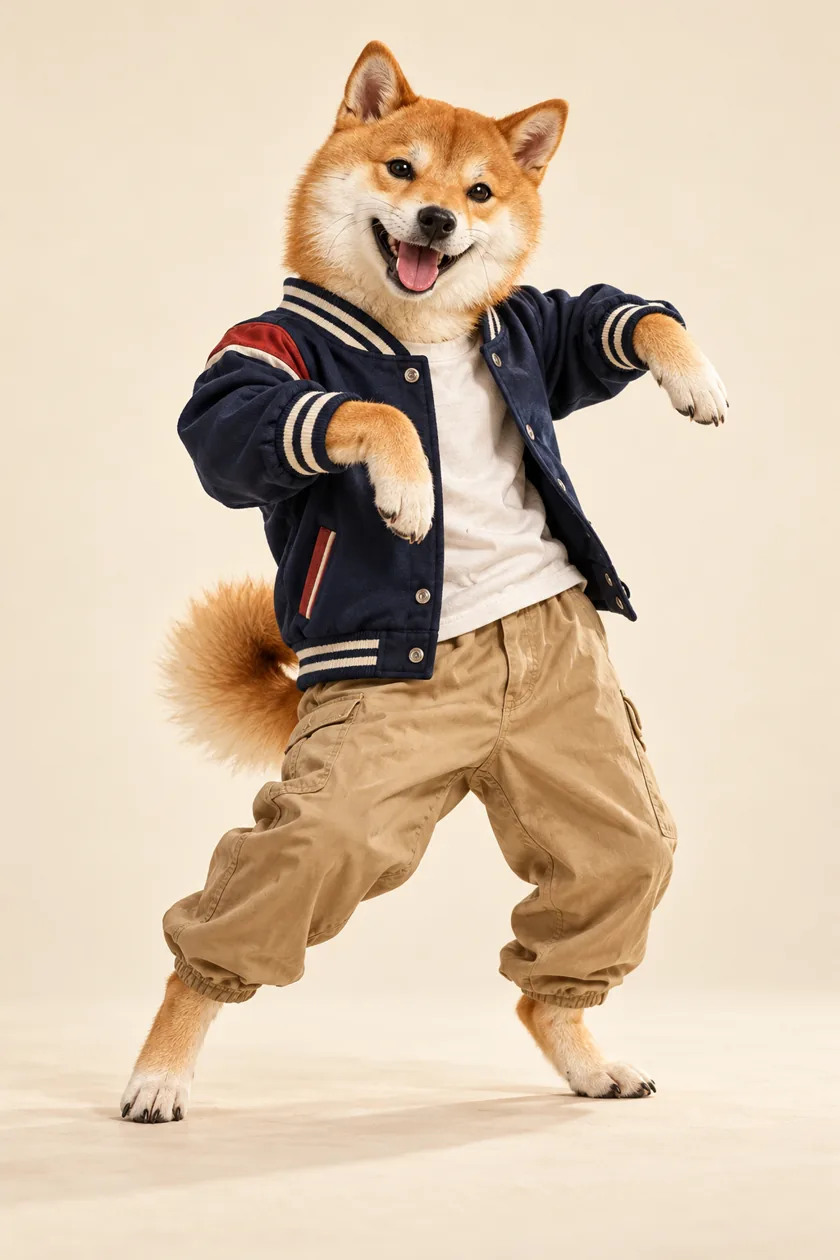
Before you start
PawMambo uses two files: one photo of your dog and a short video showing the movement you want it to follow. You can watch the finished examples in the studio, but those examples cannot be selected as generation inputs.
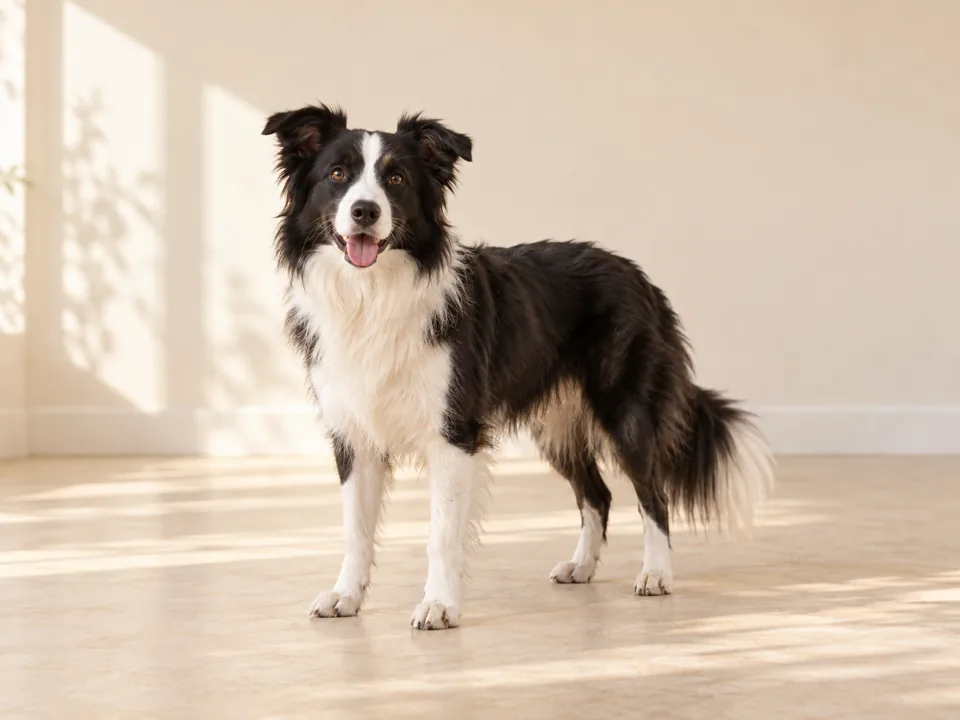
Choose a photo with room to move
Pick a sharp, well-lit photo with one dog as the main subject. Keep its face and as much of its body as possible visible. Leave some space around the dog for larger moves.
Open the studio and choose the photo you want to use. You can change or remove it before generating.
Try this: If a result crops the paws or loses the dog’s markings, start with a wider photo where the whole dog is easier to see.
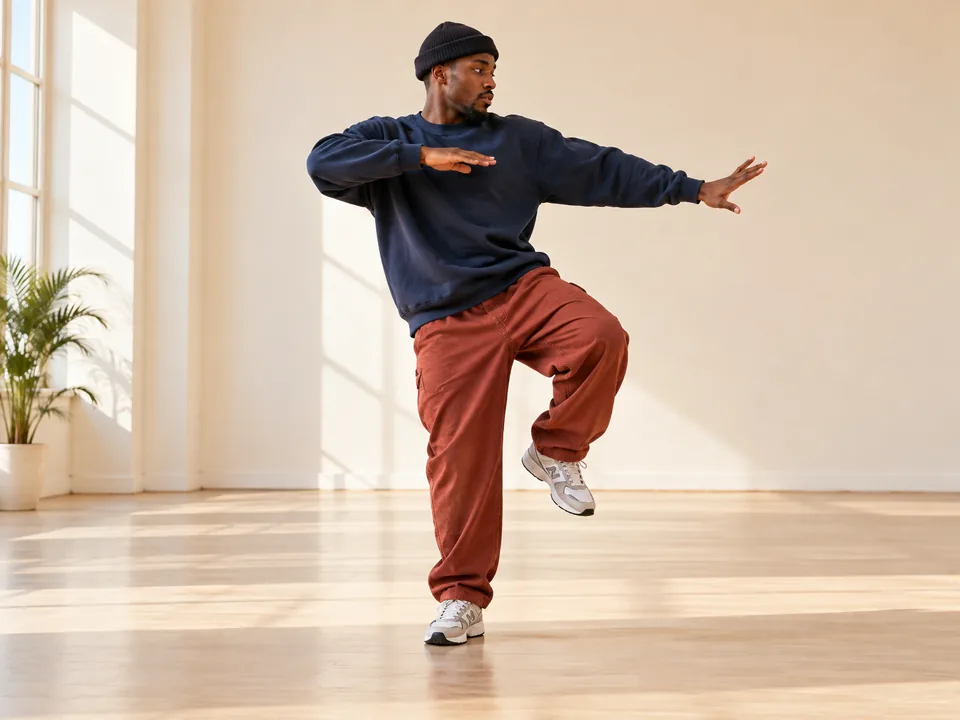
Add your own dance reference
In Dance reference, choose My video, then click the upload area. Use a playable MP4 or MOV clip of the movement you want. A steady shot with the dancer visible makes the action easier to follow.
The studio accepts clips from 3 to 30 seconds and under 10 MB. Shorten or compress a clip before uploading if it exceeds either limit.
Remember: The Examples tab plays finished dog videos. Switch to My video to provide the motion for generation.
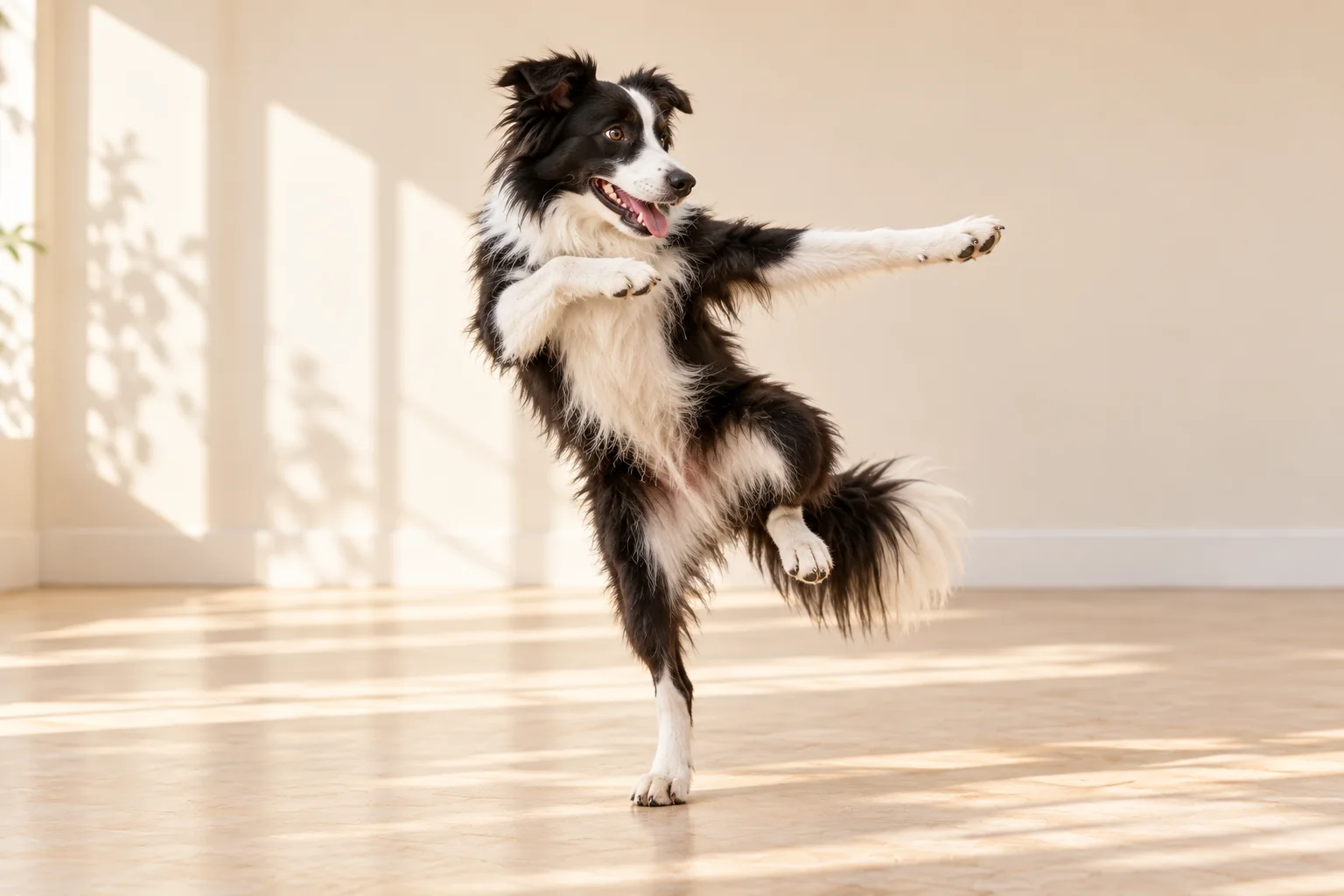
Generate and check the result
Sign in, check the credit cost shown for your clip, and select Generate dance. Choosing files alone does not upload them. Your photo and video are submitted when you start generation.
The result appears in the player when it is ready. You can leave the page and later check My videos for your attempt. The finished motion and framing can vary from the reference.
Save or share your dance
Use Download video to save the MP4. Use Copy video link to create a public PawMambo page that opens with your video. Your generated video is saved privately unless you create that share page.
Sound from the reference may carry through, but it is not guaranteed. Check the finished video before posting it.
If something goes wrong
- The photo is rejected
- Use a JPG or PNG file up to 8 MB.
- The reference video is rejected
- Check that it plays, is MP4 or MOV, lasts 3 to 30 seconds, and is under 10 MB.
- The dog is cropped or the dance is hard to see
- Try a wider dog photo and a steadier reference clip with the full movement visible.
- Generation fails
- Keep your files selected, try a clearer source, and submit again. Failed generations cost 0 PawMambo credits.